iOS and Android Apps, Built and Shipped to the Stores
We build mobile apps for US startups and small businesses — native where it matters, cross-platform where it saves you money, and we handle the store submission that nobody enjoys.
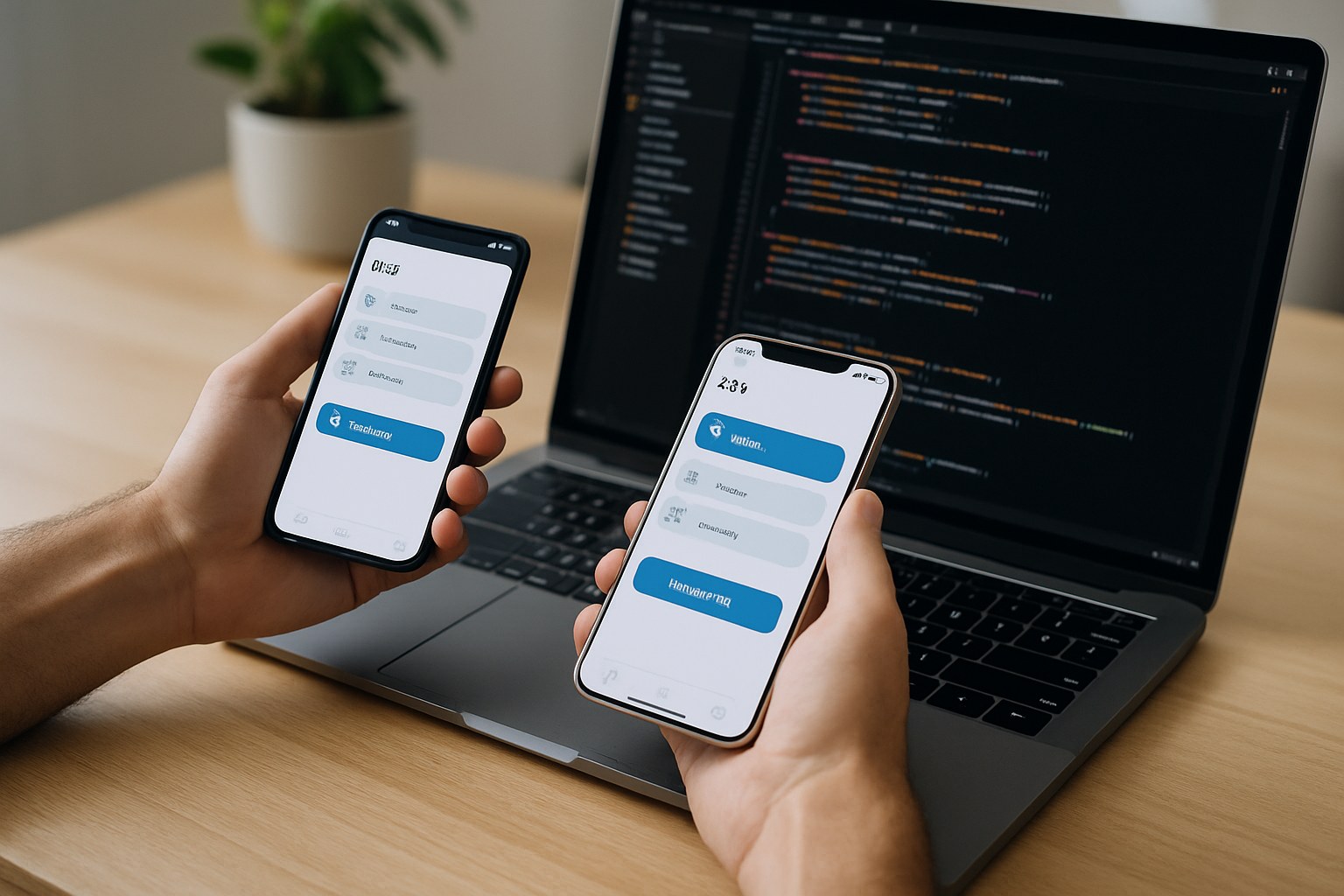
Writing the App Is About Half of Shipping the App
The code is the part people quote for. The part that catches teams out is everything wrapped around it: two sets of store rules, privacy disclosures that have to match what the app really does, screenshots at every required device size, a device matrix that actually reflects who your users are, and a review process that can send you back to the start over a single sentence in a guideline.
We do all of it, under your developer accounts, and we are still here when Apple ships a new OS in September and something in your app needs to change.
See how we run a buildNative or Cross-Platform
Both are correct answers for different apps. Here is the actual difference, without the hedging.
Swift for iOS, Kotlin for Android
Two separate apps written in each platform’s own language, using each platform’s own interface toolkit. Everything Apple or Google ships is available the day it ships, and the app behaves exactly the way the operating system expects.
- Codebases to maintain
- 2
- UI code shared
- 0%
- Best possible performance and animation smoothness
- Immediate access to new OS features and hardware APIs
- No third-party framework sitting between you and the platform
- Two builds, two test passes and two bug fixes for every change
React Native or Flutter
One codebase compiled into two real apps that install from both stores. Native modules are still available when a specific feature needs them, so this is a default, not a ceiling.
- Codebases to maintain
- 1
- UI code shared
- ~90%
- One build gets you both platforms, so launch is sooner and cheaper
- Fix a bug once and both apps get the fix
- One team, which matters a lot at small headcount
- Brand-new OS features can lag, and deep hardware work needs native code anyway
The percentage is what we typically see on a standard business app with lists, forms, payments and notifications. Device-heavy apps share far less. The colour difference above is for contrast only — neither option is a default recommendation.
Choose native when
- The app tracks location continuously in the background — delivery, fitness, fleet
- It does real work with the camera, microphone or audio pipeline rather than just capturing a file
- It talks to Bluetooth or other hardware, where the platform APIs are fussy and differ sharply
- It needs heavy offline storage with sync, or must stay fast with tens of thousands of local records
- Custom animation and gesture handling is central to how the product feels
- You only need one platform, so a cross-platform framework adds a dependency and saves nothing
- You plan to hire in-house iOS or Android engineers and want a codebase they recognise on day one
Choose cross-platform when
- The app is mostly screens, lists, forms, search, payments and notifications — which is most apps
- You need both stores from launch and the budget is fixed
- Time to first real user matters more than squeezing out the last frame of animation
- The product will change quickly after launch and you want one place to change it
- A small team will own it afterwards and cannot staff two platform specialists
- Your heaviest logic lives on the server, with the app mainly presenting it
One thing we will not do is pick for you without asking what the app does. If a call ends with a recommendation you disagree with, we will write down the reasoning so you can argue with it.
Going Deeper on One Platform
Each store has its own language, its own design conventions and its own ways of rejecting you.
iOS App Development
Swift and SwiftUI, the Human Interface Guidelines, TestFlight beta distribution, iPad support, widgets and in-app purchase — plus the App Store review rules that catch people out.
iOS detailsAndroid App Development
Kotlin and Jetpack Compose, Material Design, Play Console staged rollouts, the fragmentation problem, background work limits and the data safety form.
Android detailsHow a Build Becomes a Listing
The same shape on both stores, with different paperwork at each step.
1 — Developer accounts, in your name
The Apple Developer Program is an annual fee; Google Play charges a one-time registration fee. Both go on your card, under your company identity, with us added as team members. Organization accounts need a verifiable legal entity and, for Apple, a D-U-N-S number — start this early, because verification can take longer than you expect.
2 — Listing assets
App name, subtitle, description, keywords, category, age rating, support and privacy policy URLs, an icon, and screenshots at every device size each store still requires. Apple also needs a working demo account with credentials if anything sits behind a login — leaving that out is one of the most common avoidable rejections there is.
3 — Privacy disclosures
Apple wants privacy labels; Google wants a Data Safety form. Both ask what data you collect, whether it is linked to the user, whether it is used for tracking, and what your third-party SDKs do. These must describe what the code actually does, so we fill them in from the code rather than from a marketing summary.
4 — Beta testing first
TestFlight on iOS, internal and closed testing tracks on Play. Real testers on real devices catch what a QA pass does not, and a beta build is far cheaper to fix than a shipped one. Note that new personal Play developer accounts must run a closed test with a minimum number of testers over a fixed period before applying for production access.
5 — Submission and review
Apple review is usually a day or two; Google is often a few days, longer for a brand-new account. We submit, we monitor, and if a reviewer raises something we respond in the resolution centre with an explanation or a fixed build. You do not have to learn guideline numbering to get your app approved.
6 — Release, and how fast
iOS can release immediately on approval or on a date you set. Android should almost always go out as a staged rollout — a small slice of users first, then wider once crash-free rates look right, with the ability to halt. Same build, dramatically lower blast radius if something is wrong.
Why Submissions Actually Get Rejected
Very rarely for anything exotic. Overwhelmingly for the same short list.
A rejection is correspondence, not a verdict. Most are answered the same day with an explanation or a small change — the damage is only to schedules that assumed a single clean pass.
Fragmentation, and How It Is Actually Tested
You cannot buy every phone. You can be deliberate about which ones decide the release.
A written device matrix
Agreed during scoping: oldest supported OS, current OS, one small screen, one large screen, a tablet if in scope, and a low-end Android handset. It goes in the scope document so testing is a defined amount of work, not an open-ended one.
Simulators for layout, devices for truth
Emulators are fine for catching a cramped layout at a small width. They are misleading about scroll performance, camera behaviour, notification delivery, battery drain and anything involving slow storage or a poor network.
Cloud device farms for the tail
For the long tail of Android hardware we use hosted real-device services rather than pretending a Pixel represents every phone. Cheaper than a drawer full of handsets and closer to the truth than an emulator.
Bad conditions on purpose
Throttled networks, airplane mode mid-request, permissions denied then granted later, a device rotated during an upload, storage nearly full. Real users hit all of these in week one.
Automated where it pays
Unit tests around business logic and anything involving money, plus a small set of end-to-end tests over the paths that must never break: sign-up, the core action, checkout. We do not chase a coverage number.
Crash reporting from day one
Shipped with the first beta, not added after the first bad review. Crash-free rate is also the number that tells you whether a staged rollout should continue or stop.
The Three Things That Are Never as Simple as They Sound
Push notifications
Two delivery systems, two permission models, and a user who will disable them forever if the first one is noise. We ask for permission in context rather than on launch, keep an opt-out per notification type, and treat push as unreliable transport — anything important also exists in the app when the user next opens it.
Offline behaviour
A spectrum with very different price tags. Caching what the user has already seen is cheap. A full offline write queue with conflict resolution is a feature in its own right. We decide which one you need at scope time — but even at the cheap end, the app must explain what happened instead of showing an empty screen.
Deep links
A link in an email or text should open the right screen in the app if it is installed and the web page if it is not. That needs verified domain association files on both platforms, correct routing inside the app, and a sensible fallback for a user who has not signed in yet. It is fiddly, it is testable, and it is usually left until too late.
What Changes Once You Are in the Stores
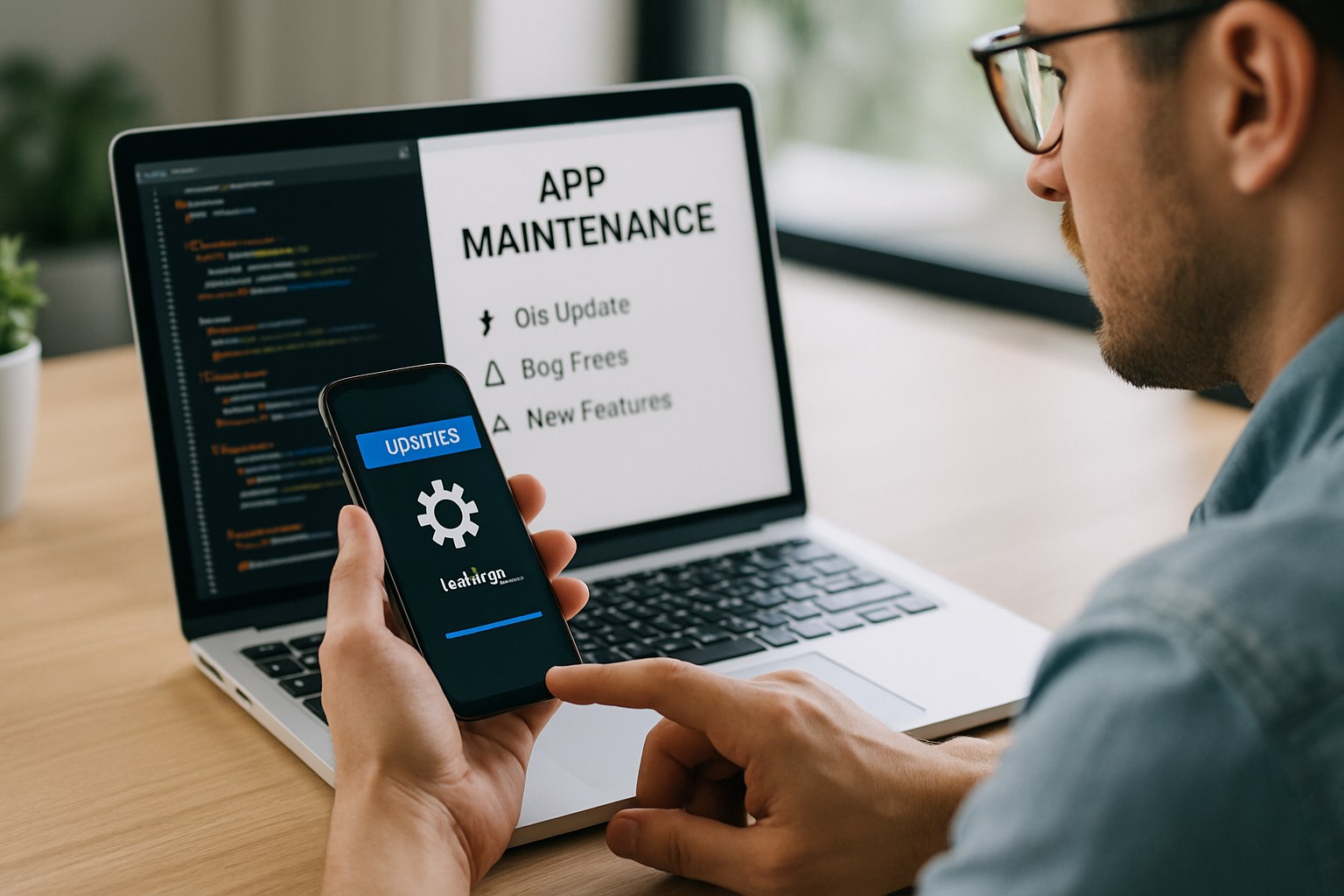
A website you can fix in ten minutes. A mobile app you fix, build, submit, wait for review, and then wait again for users to update — some of whom never will. That difference reshapes how releases are planned.
- Your API has to keep supporting older app versions still in the wild
- A forced-update mechanism is worth building before you need it
- Feature flags let you turn something off without a new submission
- New OS versions arrive every year whether or not you planned for them
- Google Play target API deadlines can pull an app from the store if ignored
- Store reviews are public support tickets and want answering
When a Mobile App Is the Wrong Answer
Two stores, two review queues and an update cycle is a lot of overhead to take on for the wrong reason.
A web app is probably the better call if
- People will use it at a desk, during working hours, on a keyboard
- You need nothing from the device beyond a camera upload
- You want to ship changes daily without waiting on a review queue
- Your buyers are businesses who will not install anything without IT approval
- You are still testing whether people want it at all — a responsive web build gets there faster
Mobile earns its overhead when
- Usage is frequent, short and on the move
- Push notifications are a core part of how the product works
- You need the camera, location, Bluetooth or offline access properly
- Being on a home screen is part of the habit you are building
- Your competitors are in the stores and buyers look for you there
Where People Go From Here
MVP Development
How the first version gets scoped, priced as one fixed number, and shipped in 8 to 16 weeks.
Learn moreUI/UX Design & Prototyping
The design phase that runs before the build, and the clickable prototype you sign off on.
Learn moreBackend & APIs
The server side almost every mobile app needs, designed to keep supporting old app versions.
Learn moreMobile Questions We Get Asked
Should I build native or cross-platform?
If your app is mostly screens, forms, lists, payments and notifications, cross-platform is usually the better commercial decision: one codebase, both platforms, a shorter build. Go native when the app leans hard on the device itself — continuous background location, camera or audio processing, Bluetooth hardware, heavy offline sync, complex custom animation — or when you only need one platform anyway, in which case cross-platform buys you nothing.
How long does App Store and Play Store review take?
Apple usually comes back within a day or two, and Google Play often within a few days, but neither is a promise and both slow down around major OS releases and holidays. We plan a submission buffer into the schedule and assume at least one rejection cycle, so a review question does not move your launch date. Updates after the first approval are normally faster than the initial submission.
Do I need my own Apple and Google developer accounts?
Yes, and that is deliberate. The Apple Developer Program is a yearly fee and Google Play charges a one-time registration fee, both paid by you on your own card. Your app then lives under your company name, with the ratings, reviews and installs attached to an account we cannot take away. We are added as team members and removed whenever you want.
How many devices do you test on?
We agree a written device matrix during scoping rather than quoting a headline number. It normally covers the oldest OS version you want to support, the current one, a small screen, a large screen, a tablet if tablets are in scope, and at least one budget Android handset with slow storage. Simulators catch layout problems. Real devices catch the performance, camera, permission and notification problems that matter.
Will my app work without an internet connection?
That is a scope decision with a real price attached, so we make it explicitly rather than by accident. Read-only caching, so recently seen content still opens on a train, is inexpensive. Full offline editing with a sync queue and conflict resolution is a genuine feature in its own right. At minimum we make sure the app fails gracefully and tells the user what happened instead of showing an empty screen.
What does it cost to keep a mobile app in the stores?
Budget for the yearly Apple developer fee, your cloud hosting and any paid third-party services, plus engineering time for the things the platforms impose on you: annual OS releases, new device sizes, Google Play target API level deadlines, and changing privacy and policy forms. An app left untouched for two years does not stay still, it quietly stops being compliant. Most clients cover this with a monthly maintenance retainer.
Get a Realistic Number for Your Mobile App
Tell us what the app needs to do and which platforms matter. You get a written scope, a timeline and a budget range back within two business days.